If you have been wondering how to share item between you devices ,here is how . Below will illustrate a step by step tutorial on how this can be done:
First of all go on to your phone and download an app through your browser call dutko you can find it on this link https://dukto.fileplanet.com/apk
Once that is done it is the turn of your pc .like before we will download a app to connect the two devices this time it will be the pc version. You can get it at this link
https://www.google.com/amp/s/www.filehorse.com/download-dukto/%3famp
Once both of the files are downloaded you have to turn on your phones mobile hotpot and have the pc connect
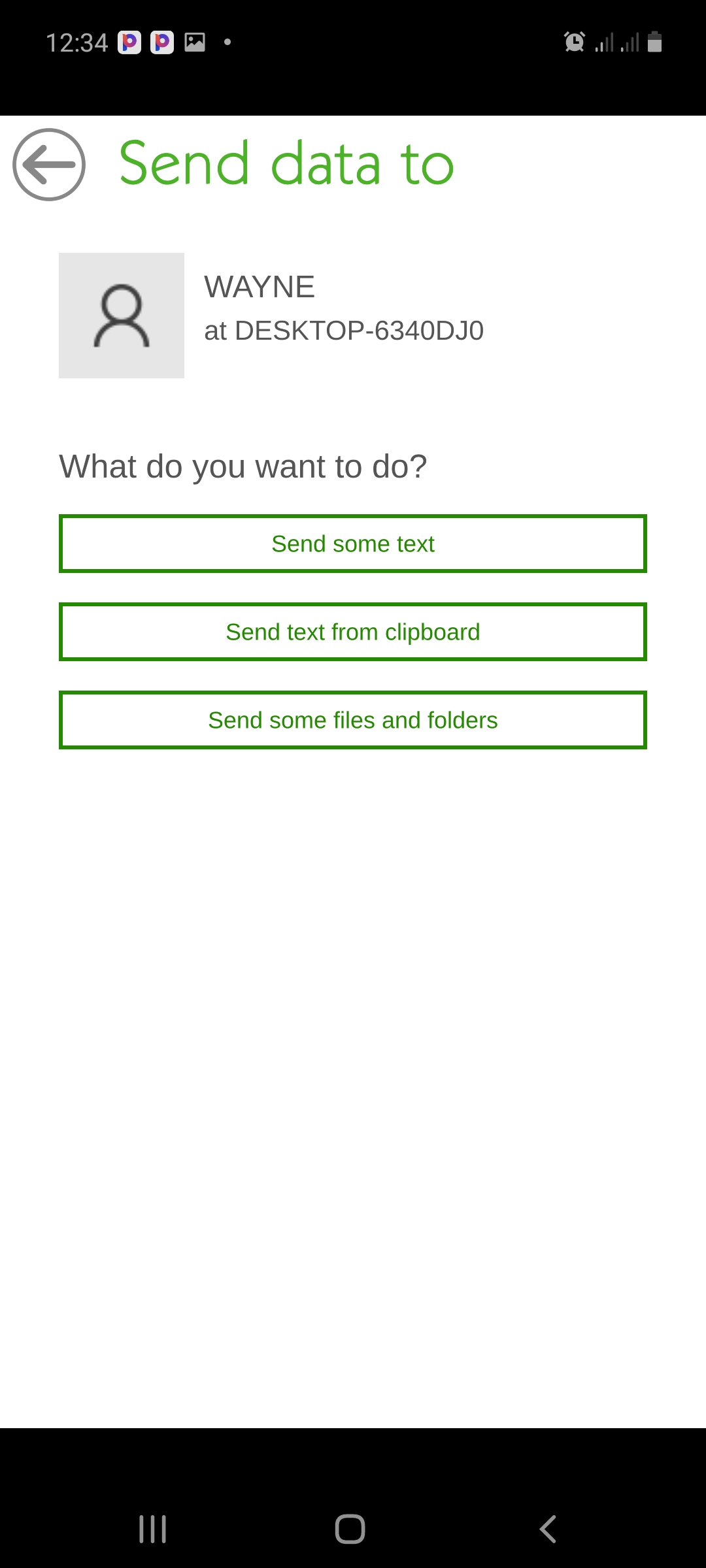
After that you can open the app on both devices and pick the the other user on the interface and select the file you want to send

 howtotechsystems